

Accessible CSS animation with prefers-reduced-motion
I make the card readable before adding the animation. Then I use prefers-reduced-motion to offer a brief entrance only when the visitor hasn’t asked their device to reduce motion.
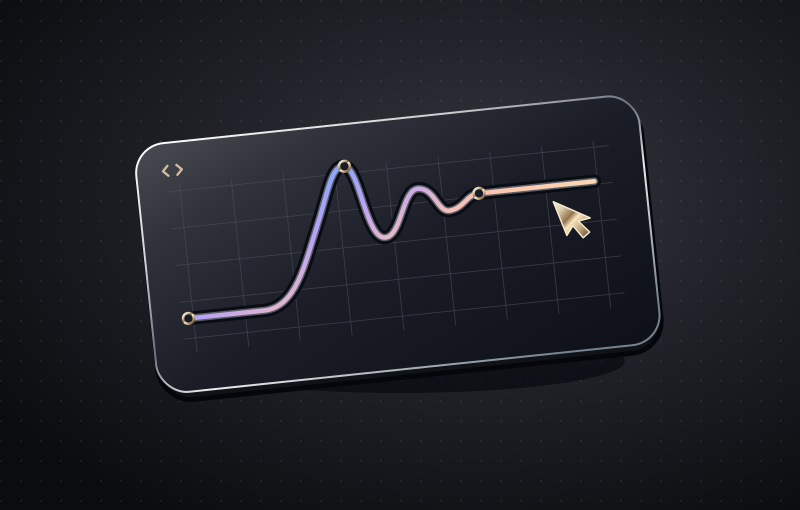
Keep the static state usable
Write the final position as the default. Add a short translate and fade with a media query so the page reads normally when a device requests reduced motion. In the example below, the card has no default opacity or offset. JavaScript can add is-visible as a card enters the viewport without ever being responsible for making the text readable.
Animate a reason
Use a slight rise to show that a card has appeared, or a colour change to confirm that a button has focus. Avoid making moving content the only way to find information. I animate transform and opacity rather than height or margin for this entrance. Test the actual page rather than assuming a short animation will feel comfortable to everyone.
Test with the keyboard
Turn on reduced motion at system level, then tab from the page heading to its first action. It should be just as clear which control has focus and where it leads. Go through the same page with motion enabled and reduced. If a keyboard user focuses a card before it appears, make sure they immediately see the focused control.
Where I’d use this pattern
Use the 360 ms entrance for a row of project cards appearing during the first scroll. Keep the title and first action in the hero visible from the start. When I use movement for feedback, I pair it with something that still works without motion, such as a visible focus ring, a selected-state label or a confirmation message.
Plan for a thumb, not just a mouse
On a portfolio card I keep the project name and format visible before anyone touches it. A pointer may tilt the artwork on hover; a keyboard user gets a clear outline on focus. On a phone I test one tap on the link. If that first tap reveals a caption and it takes another tap to follow the link, I remove the hidden state.
Interrupt the animation on purpose
I scroll quickly past the card, reverse direction and navigate back. Then I disable JavaScript and reload. No title should get stuck halfway through a fade. If an effect keeps running off screen, I pause it there. For decorative motion that loops behind the text, I also give the reader a way to stop it.
@media (prefers-reduced-motion: no-preference) {
  .card.is-visible {
    animation: card-enter 360ms ease-out both;
  }
}
@keyframes card-enter {
  from { opacity: .65; transform: translateY(8px); }
  to   { opacity: 1; transform: translateY(0); }
}